
How to use 365 Grid
Everything is free. Tap a title to open that feature.
✨ Start with the sample story →
No sign-in needed: explore Alex's year and 30th birthday capsule to see what 365 Grid can do.
- Browse Alex's year of memories and tap Play for a time-lapse.
- Unwrap the birthday wishes friends wrote for Alex.
- Try writing a wish (shown only on your screen, never saved).
- Then sign in to create your own memories or capsule.
🗓️ The Grid (home) →
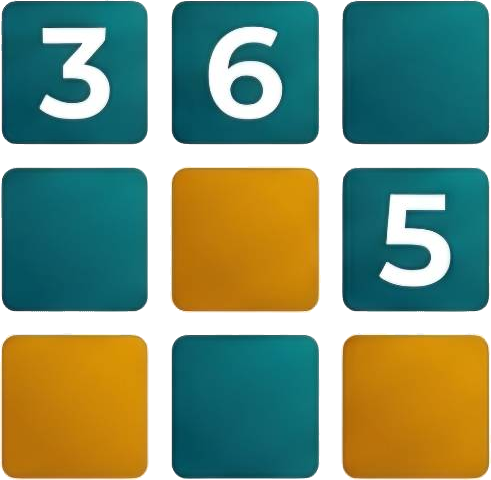
365 tiles, one for every day of the year, filled with public memories.
- Tap any tile to see photos and stories from different people and years on that day.
- The glowing, larger tile is today.
- Sign in on a day page and tap “Add memory” to upload photos, text, place and tags.
📖 My Year →
Your personal stamp card — days with memories light up.
- Sign in and open My Year to see your progress (x/365).
- Tap an empty day to add a memory for it.
- Choose visibility: Public (everyone), Friends link (anyone with the link), Private (only you).
- Export a year poster to share on social media.
👥 Shared memories →
Collect everyone's photos from a trip into the same day.
- The organizer creates a shared memory with date, title, place and photos.
- Tap Share and send the invite link to your friends.
- Signed-in friends can add up to 9 photos at a time, labelled with their name.
- The day lights up in every participant's My Year.
🎁 Surprise capsules →
Gather wishes for birthdays or anniversaries, revealed at a set time.
- Create a capsule: title, recipient, intro and unlock time.
- Send the friends' invite link: friends can write, add up to 9 photos or a voice wish, and see each other's wishes.
- Send the recipient link to the guest of honour: they see a countdown until it unlocks.
- The organizer can edit details, fix typos or delete the capsule anytime.
🔍 Search →
Find memories quickly.
- Tap Search and type a keyword.
- Searches text, places, authors and tags across public memories and your own.
Still have questions? Email us: 365grid@gmail.com